'/%3E%3C/svg%3E)

CodeTwo Email Signatures for Microsoft 365
Centralised management of email signatures, employee signatures, marketing banners and legal disclaimers in Microsoft 365.
We help businesses implement CodeTwo Email Signatures 365 — a solution that automatically adds consistent and professional signatures to emails sent by employees.
Signatures can work in Outlook, Outlook Web App, on mobile devices and in messages sent from other email clients. This helps your company maintain a consistent brand image, regardless of where an employee sends the message from.
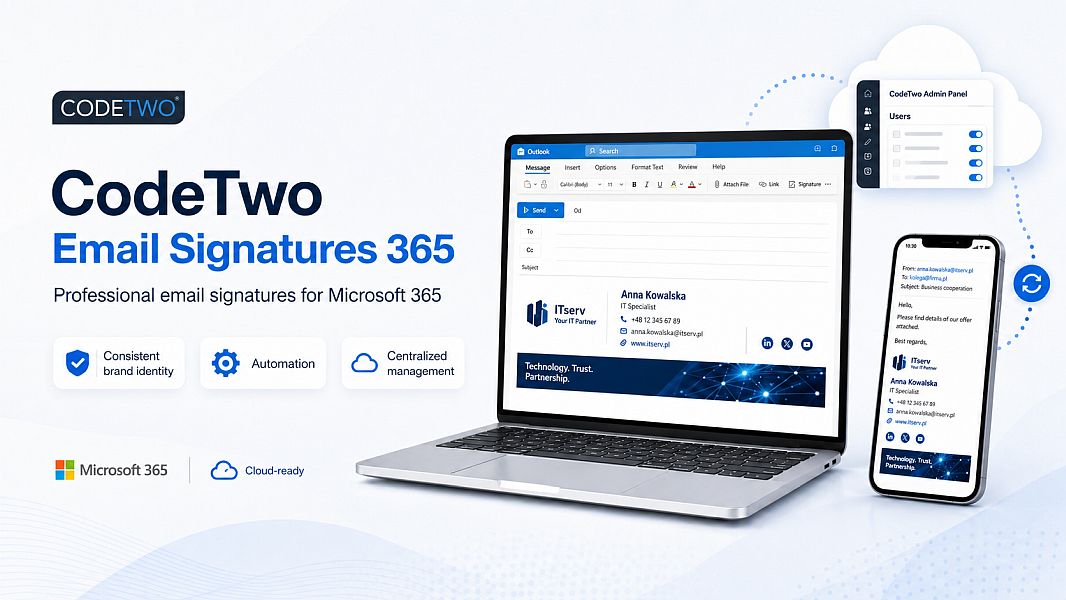
Email signatures that look the same for every employee
In many companies, each employee sets up their own email signature in Outlook. Over time, this leads to different formats, outdated phone numbers, missing logos, old job titles or incorrect company details.
CodeTwo Email Signatures 365 allows you to manage signatures centrally — from one place for the entire Microsoft 365 organisation.
With the implementation, you can:
- standardise the appearance of email signatures for all employees,
- automatically use user data from Microsoft 365,
- add logos, social media icons and promotional banners,
- apply different signatures for departments, branches or brands,
- add legal disclaimers and information required in business correspondence,
- update signatures without involving users.
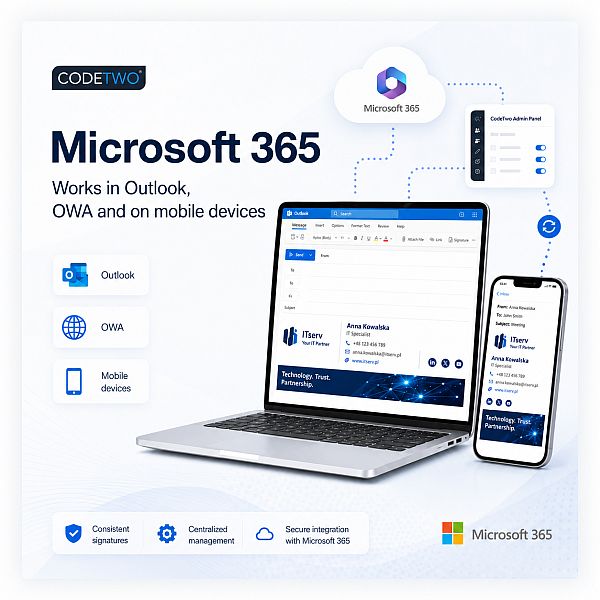
What does the CodeTwo Email Signatures 365 implementation include?
We provide support in preparing and launching an email signature management system for your Microsoft 365 organisation.
The implementation scope may include:
- analysis of your current email signatures and user workflow,
- configuration of CodeTwo with your Microsoft 365 tenant,
- selection of the appropriate service operating mode,
- preparation of a professional email signature design,
- connection of user data such as first name, last name, job title, phone number and email address,
- configuration of logos, icons, banners and links,
- creation of rules for departments, user groups or mailboxes,
- configuration of signatures for new messages and replies,
- testing in Outlook and on mobile devices,
- providing instructions for the administrator or ongoing management by ITserv.
CodeTwo Email Signatures 365 — how does it work?
CodeTwo integrates with Microsoft 365 / Exchange Online and automatically applies the right email signature to a specific message and sender.
There are three main operating modes available:
Cloud mode — signature added automatically
The signature is added after the message is sent, on the cloud service side. This solution works well when a company wants to make sure that the signature is also added to messages sent from mobile phones or other email applications.
Outlook mode — signature visible while composing the message
The user can see the correct signature while composing the message in Outlook. They can preview how it looks and, depending on the configuration, select the appropriate signature variant.
Combo mode — combining both solutions
The combined mode allows users to preview the signature while composing emails, while still keeping the automatic signature system active in other sending scenarios.
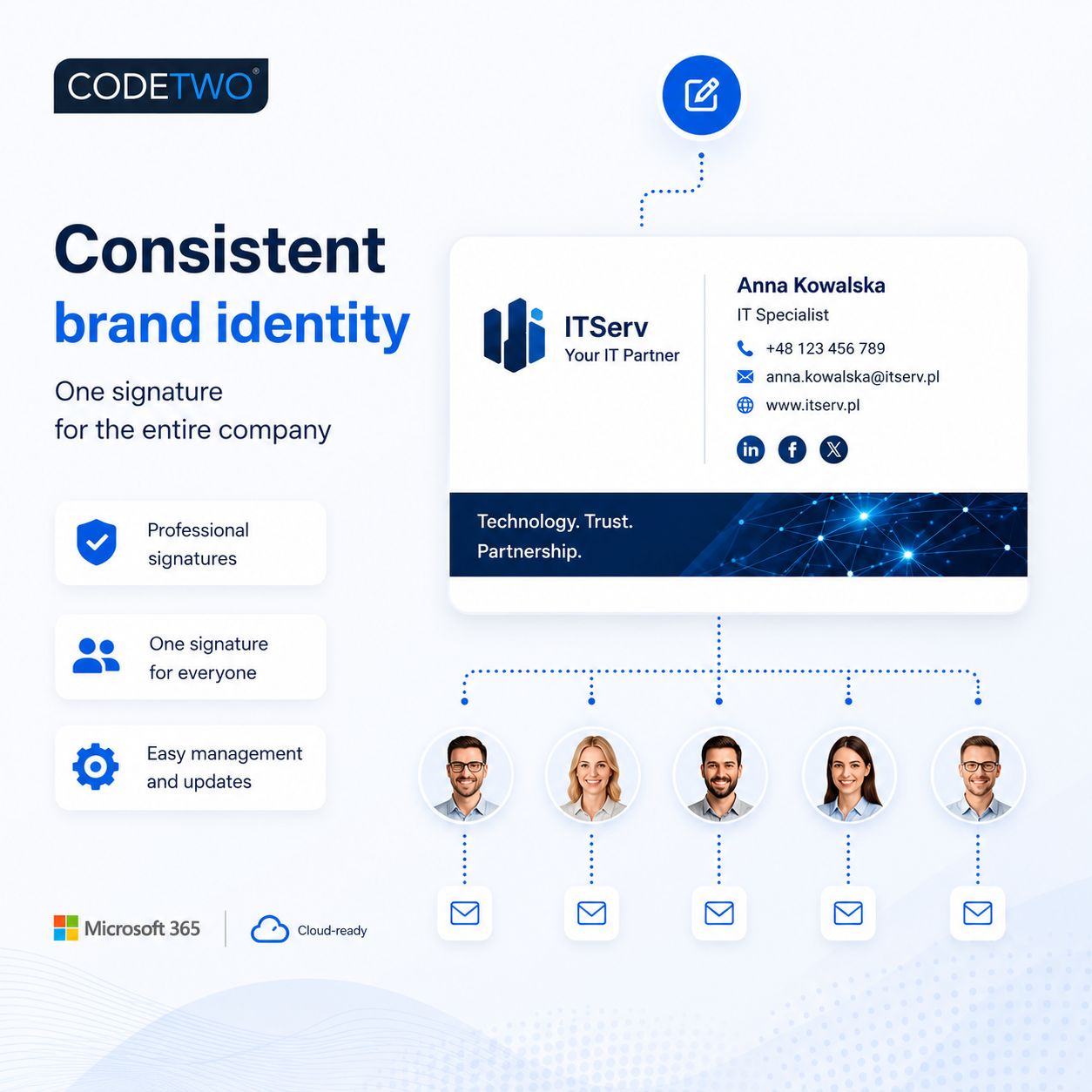
Professional email signatures for Microsoft 365
An email signature is not just a name, surname and phone number. It is an element of your company’s identity that appears every day in hundreds or even thousands of messages.
As part of the implementation, we can prepare signatures that include:
- company logo,
- employee contact details,
- job title and department,
- headquarters or branch address,
- website link,
- social media icons,
- link to a contact form or meeting booking page,
- advertising or informational banner,
- required legal information,
- different language versions of signatures.
Signatures can be tailored to specific users, departments, brands, branches or types of correspondence.
Marketing banners and messages in email signatures
Every sent message can become an additional place to promote your services, events or current offer.
With CodeTwo signatures, you can use banners promoting, among others:
- a new service or product,
- a current promotion,
- a training session or webinar,
- company participation in a trade fair,
- recruitment,
- an important message for clients,
- a seasonal marketing campaign.
The banner can be changed centrally, without asking employees to manually update their signatures.
Signatures for shared mailboxes and different senders
In companies using Microsoft 365, employees often send messages not only from their own accounts, but also from shared mailboxes, such as:
- office@company.com,
- contact@company.com,
- orders@company.com,
- invoices@company.com,
- service@company.com.
With the right CodeTwo configuration, signatures can also be organised for such scenarios and adjusted to match the address from which the message is actually sent.
This is especially important in companies where one employee manages several mailboxes, departments or brands.
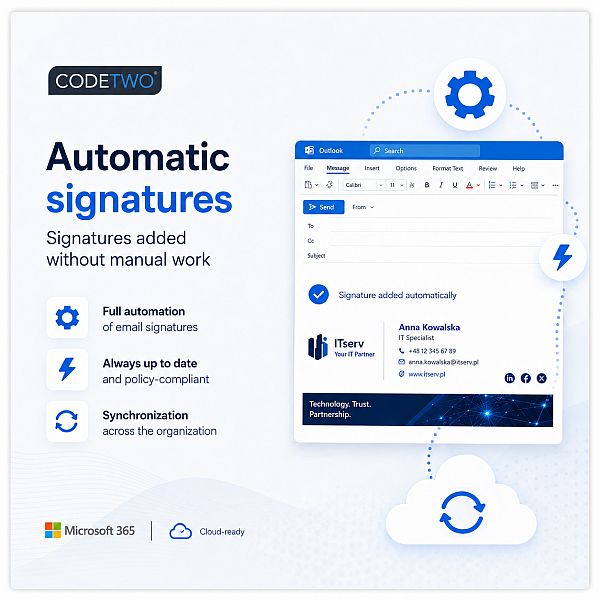
Common problems with company email signatures
We help companies that deal with issues such as:
- each employee having a different email signature,
- some messages sent from mobile phones not including a signature,
- outdated contact details in signatures,
- employees changing the appearance of signatures on their own,
- lack of consistent logo and visual identity,
- missing legal disclaimers or required information,
- difficulty updating signatures for multiple users,
- incorrect signatures when sending messages from shared mailboxes,
- the need to use email signatures to promote the company’s offer.
What types of companies is CodeTwo Email Signatures 365 suitable for?
This solution is designed for organisations using email in the Microsoft 365 / Exchange Online environment.
CodeTwo works especially well for companies that:
- have several or several dozen employees,
- want to standardise email communication,
- use shared mailboxes,
- have multiple departments, branches or brands,
- regularly change banners or marketing messages,
- require control over legal disclaimers,
- want to reduce manual actions performed by users,
- need a professional appearance for business correspondence.
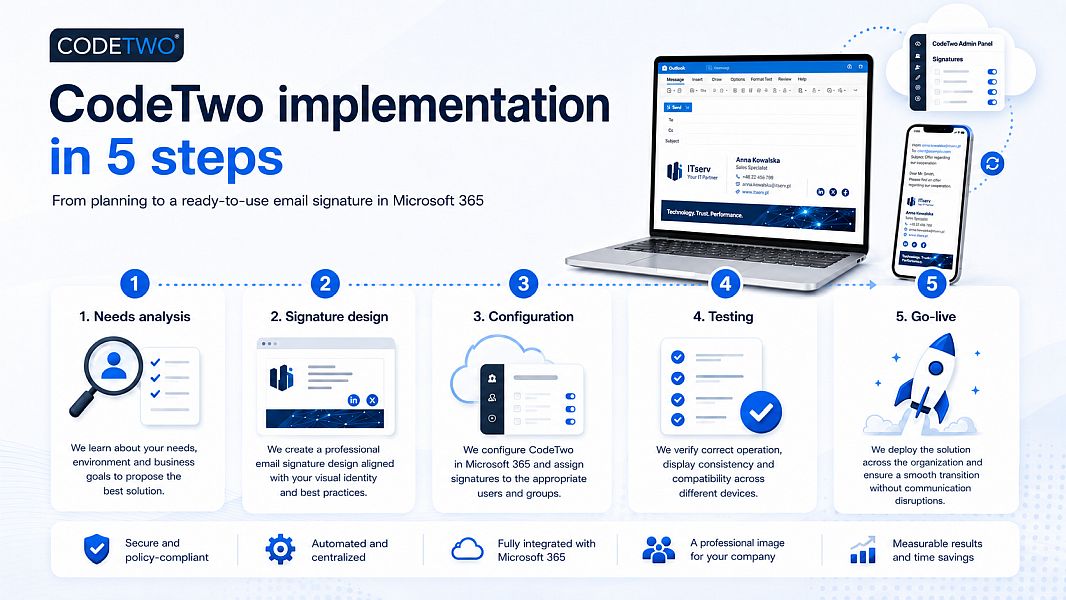
CodeTwo implementation by ITserv
We help not only to launch the service, but also to design the entire way email signatures are used in your company.
The implementation process may look as follows:
1. Needs analysis
We determine the number of users, email addresses used, shared mailboxes, departments, brands and requirements regarding the appearance of the signature.
2. Signature design
We prepare a signature layout consistent with your company’s visual identity, including logo, contact details, colours, links, banners and optional legal disclaimers.
3. CodeTwo and Microsoft 365 configuration
We connect the service with your Microsoft 365 tenant, configure rules and select the right operating mode: cloud, Outlook or combo.
4. Testing
We test signatures for new messages, replies, selected users and shared mailboxes.
5. Launch and support
After approval, we deploy the solution for the selected users and provide support for later changes and configuration expansion.
CodeTwo vs. standard Outlook signatures
A standard signature configured locally in Outlook depends on the settings of a specific user and device. In a larger company, this quickly leads to differences in appearance and problems with keeping data up to date.
CodeTwo allows you to manage signatures centrally and apply consistent rules across the entire organisation. An administrator or designated person can change the signature design, banner or additional details without manually modifying settings on employees’ computers.
CodeTwo Email Signatures 365 implementation cost
The implementation cost depends on:
- the number of users,
- the number of email signature variants,
- the use of shared mailboxes,
- the need to prepare a graphic signature design,
- the number of rules and exceptions,
- the scope of ongoing support.
CodeTwo licences are billed in a subscription model based on the number of users covered by the service. The vendor also provides a 14-day trial version.
Contact us — we will prepare an implementation proposal tailored to your company.
Remote CodeTwo implementation for businesses
CodeTwo Email Signatures 365 can be implemented fully remotely. This means that we can prepare, configure and launch the email signature system for your Microsoft 365 organisation without the need for an on-site visit.
Remote implementation allows us to support companies regardless of their location. The entire process can be carried out online — from the initial consultation and analysis of your current email signatures, through Microsoft 365 and CodeTwo configuration, to testing and final launch.
As part of the remote implementation, we can:
- analyse your current Microsoft 365 email environment,
- configure CodeTwo Email Signatures 365 with your tenant,
- prepare professional email signature templates,
- configure rules for users, departments, shared mailboxes or brands,
- test signatures in Outlook, Outlook Web App, mobile devices and other mail clients,
- provide administrator instructions or continue managing the system for you.
This model works well for companies that want to quickly organise email signatures, shared mailboxes and email communication without interrupting daily work.
We support companies remotely across Poland and abroad. For larger or more complex projects, on-site meetings may also be arranged individually.
📞 Do you need professional email signatures in Microsoft 365?
Contact us if you want to implement consistent email signatures, marketing banners or legal disclaimers for your company’s employees.
Frequently asked questions about CodeTwo Email Signatures 365
Does CodeTwo work with Microsoft 365?
Yes. CodeTwo Email Signatures 365 is designed to manage email signatures, legal disclaimers and message branding in Microsoft 365 and Exchange Online environments.
Will the signatures work on mobile phones?
Yes. In the appropriate operating mode, CodeTwo can also add signatures to messages sent from mobile devices and various email applications.
Does an employee have to set up the signature in Outlook manually?
No. Signatures are managed centrally. Depending on the selected mode, the user can see the signature while composing a message in Outlook, or the signature can be added automatically after the message is sent.
Can we have different signatures for different departments?
Yes. It is possible to prepare different signatures for sales, office, service, accounting, company branches or selected user groups.
Can signatures contain data automatically pulled from Microsoft 365?
Yes. Signatures can use user data stored in Microsoft 365 / Microsoft Entra ID, such as first name, last name, job title, phone number or email address.
Can promotional banners be added to messages?
Yes. Signatures can include marketing banners, links to your offer, website, contact form or promotional campaign.
Does CodeTwo support shared mailboxes?
Yes. The configuration can include scenarios where messages are sent from shared mailboxes and different sender addresses. The exact scope depends on the selected mode and the structure of your Microsoft 365 environment.
Can CodeTwo be tested first?
Yes. The vendor provides a 14-day trial version of CodeTwo Email Signatures 365, without the need to provide a payment card.
Does ITserv also sell other CodeTwo products?
Yes. In addition to CodeTwo Email Signatures 365, we also offer other CodeTwo solutions, including CodeTwo Email Signatures On-prem, CodeTwo Office 365 Migration, CodeTwo Exchange Migration, CodeTwo Backup for Office 365 and CodeTwo Exchange Rules solutions. We select licences according to the client’s environment, number of users and planned use.
Can we request a quote or offer for CodeTwo licences from you?
Yes. We handle quotation requests for CodeTwo licences for companies, institutions and organisations. We prepare quotes for new licences, subscription renewals, user extensions and migrations between CodeTwo products.
Does ITserv handle quotation requests and tenders for CodeTwo software?
Yes. We prepare offers for quotation requests and tender procedures covering CodeTwo software. We can prepare an offer for a specific product, number of licences, subscription period and required delivery conditions, in accordance with the request.